
Services
Telehealth and Virtual Visits
What is telehealth?
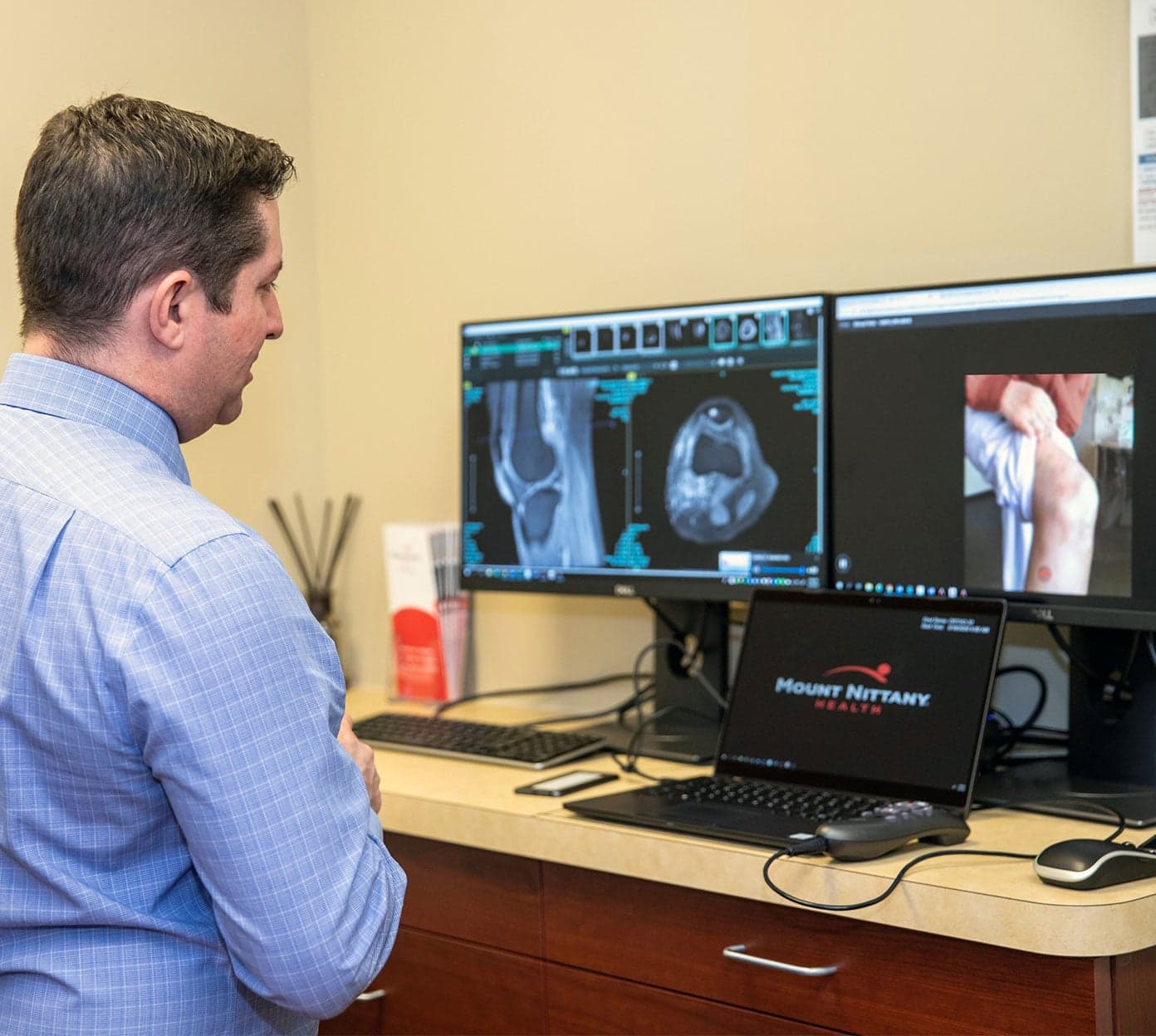
Telehealth visits (also called telemedicine) are similar to in-person visits. However, instead of driving to your provider’s office, you can get care wherever you are — in your home, at work or even on vacation.
Mount Nittany Health’s telehealth and virtual care services are provided via a secure connection through your computer, tablet or smartphone. Allowing you to see your doctor in real time to ask questions, get prescriptions or referrals, review lab results and receive the same trusted care you’d expect in-person — all at your convenience.
What conditions does telehealth treat?
Virtual visits and telemedicine appointments provide the same level of care you expect from Mount Nittany Health at a time and place that works best for you. Some of the conditions you can see a virtual doctor for include:
- Acute illnesses, such as colds, flu, COVID-19 and other common conditions.
- Skin conditions, like rashes, psoriasis, eczema, acne and others.
- Digestive issues, such as irritable bowel syndrome, inflammatory bowel disease, heartburn, ulcers and more.
- Mental health care, including anxiety, depression and stress management.
To make a telehealth appointment, contact your provider’s office or existing Mount Nittany Health patients can self-schedule with MyMountNittany.
When you talk to your telehealth provider, they’ll be able to determine whether in-person follow-up care is needed. If you’re experiencing a life-threatening condition, like a heart attack or stroke, call 911 or go to the nearest emergency room.
Telehealth FAQs
Get answers to our most frequently asked questions about telehealth appointments at Mount Nittany Health:
When should I see a telehealth specialist?
A telehealth appointment may be an option for you if you need:
- Primary care consult: Meet your provider, discuss your health history and schedule any future visits when it’s right for you.
- Follow-up care: Check in with your virtual doctor after a visit or procedure from the comfort of your home or on the go.
- Medication management: Talk about how your medications are working, any side effects, get doses changed or renew prescriptions with ease.
- Review lab results: Discuss any blood tests or X-rays with your doctor at your convenience.
- Chronic disease management: Save time by using telehealth for follow-up care related to diabetes, hypertension, asthma and other chronic conditions.
- Referral to a specialist: Get your doctor’s approval to see specialty services like orthopedics, gynecologyor gastroenterology without having to leave home.
- Preventive care: Take care of any health assessments or screenings without having to travel to your provider’s office.
How do I schedule a telehealth appointment?
Contact your provider’s office at your earliest convenience to see if a telehealth appointment is right for you. You can also self-schedule same-day acute care appointments with your MyMountNittany account. You’ll need to create an account if you don’t already have one.
Do I need any special equipment?
You will need a smartphone, tablet or computer with a camera and high speed internet connection.
What should I wear?
Unless otherwise instructed by your provider, you should dress just as you would for an office visit.
What specialties and services offer telehealth?
Telehealth appointments are currently offered for the following specialties and services:
- Pediatrics
- Allergy & Immunology
- Cardiology
- Dermatology
- Ear, Nose & Throat
- Endocrinology
- Gastroenterology
- General Surgery
- Infectious Disease
- Nephrology
- Neurology
- Orthopedics
- Physical Therapy
- Pulmonary Medicine
- Radiation Oncology
- Sleep Medicine
- Urology
Are telehealth visits only for established patients?
In certain specialties, new patients are able to schedule a telehealth visit. Contact your provider’s office to see if this option is available.
How is this different from a virtual check-in?
A virtual check-in is a short telephone call with your provider. A telehealth visit is an office visit conducted remotely through the use of an internet-connected device that has camera and audio capabilities on both the provider and the patient’s side.
What does it cost?
For patients, the cost of a telehealth is the same as a “live” or in-office visit. Co-pays are added to the office statement mailed to the patient after the visit.
How is a telehealth visit billed?
Telehealth appointments are billed the same way an in-office visit would be billed. You will want to check with your specific health insurance plan for more information.